New AI Speech Is Here. Create Natural Voiceovers Instantly with 2,000+ AI Voices.

Top 5 Ssemble Alternatives for Better Long-to-short Workflow

Last Updated: 2026. 05. 08

Ssemble is an AI-powered clipping tool that transforms long-form videos into short-form content optimized for TikTok, YouTube Shorts, and Instagram Reels. It automates time-consuming editing tasks such as highlight detection, clipping, smart cropping, captions, B-roll insertion, transitions, sound effects, and on-screen CTAs—enabling creators to publish content faster and at scale.

By streamlining the repurposing process, Ssemble helps improve viewer retention and maintain cross-platform consistency, allowing teams to focus more on storytelling rather than manual editing work.
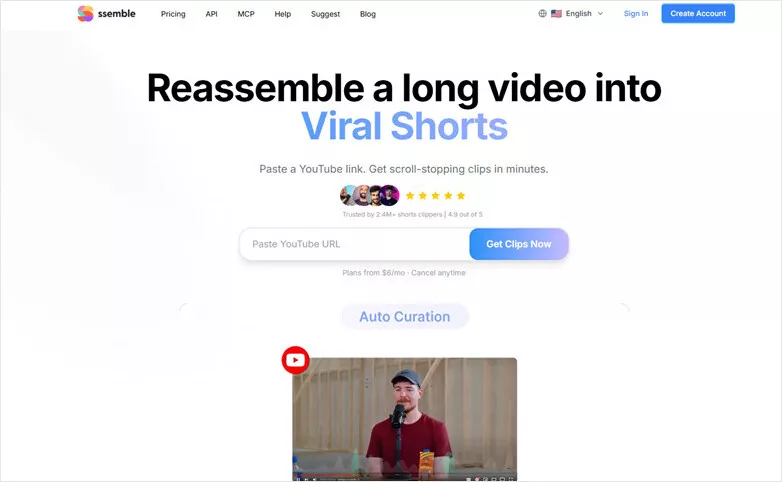
The Main Interface of Ssemble Long-to-short Maker

The Main Interface of Ssemble Long-to-short Maker

Key Features of Ssemble

  • AI highlight detection identifies the most engaging moments and turns them into social-ready short clips.
  • Automatically reframes footage for vertical and square formats, ensuring a perfect fit for TikTok, YouTube Shorts, and Reels.
  • Inserts relevant B-roll to keep visuals dynamic and enhance the narrative.
  • Generates captions and on-screen CTAs to boost accessibility and engagement.
  • Scales content repurposing by transforming a single long video into multiple short clips.
  • Cons:

  • Supports videos up to 30 minutes, so it may not be suitable for longer recordings.
  • Only converts videos in MP4, MOV, and WEBM formats into short clips.
  • Template-driven outputs can feel generic without additional customization.
  • Complex narratives or niche content may still require manual input for optimal results.

    Ssemble’s long-to-short video generator works well for shorter videos. But what if you need to process longer content or want a smoother editing experience without Ssemble’s limitations? In that case, the 5 best Ssemble alternatives we’ll cover in the next section are worth exploring.

    5 Best Ssemble Alternatives for Smoother Long-to-Short Editing

    #1 Opus Clip

    When it comes to turning long videos into share-ready short clips, Opus Clip stands out as a go-to solution. Simply upload your footage, and the tool automatically identifies the most engaging moments, trims them into multiple short videos, adds captions, and uses face detection to keep speakers centered in vertical formats.

    Beyond its strong clipping capabilities, Opus Clip also features a built-in editor and a multi-platform scheduling tool, allowing you to publish directly to TikTok, YouTube, and Instagram Reels with tailored captions for each platform.
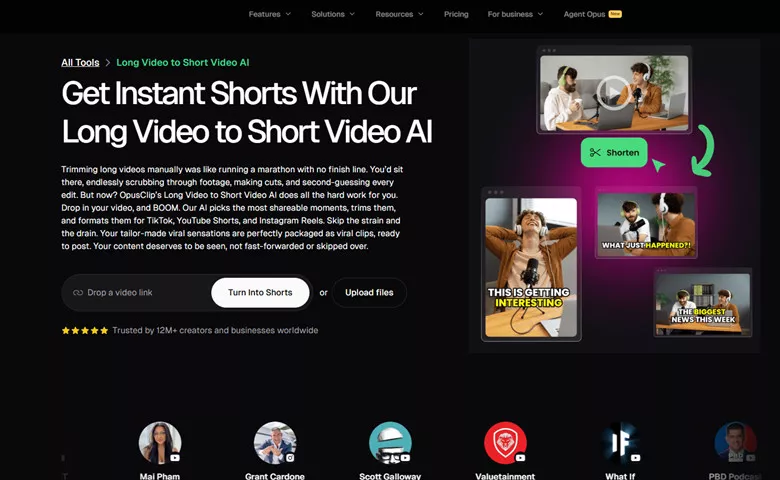
    Ssemble Alternative - Opus Clip

    Ssemble Alternative - Opus Clip

    Key Features of Opus Clip

  • It uses advanced AI clip detection to analyze hooks, pacing, and topic transitions, surfacing the segments most likely to perform on social media.
  • Publish directly to TikTok, YouTube Shorts, Instagram Reels, LinkedIn, and X (Twitter), with platform-specific captions and scheduling options.
  • A polished built-in editor lets you refine clips by adjusting captions, adding B-roll, and switching layouts with ease.
  • Customize fonts, colors, logo overlays, and caption placement to maintain consistent branding.
  • Cons:

  • It can become costly for high-volume users due to per-minute pricing.
  • AI-generated B-roll can be inconsistent, and some clips may lack proper context.
  • Rendering can be slow, with limited flexibility for advanced video editing.

    Pricing:

  • Starter($15/mo): 150 credits/mo; AI animated captions in 20+ languages; 1 brand template;Auto post to YouTube Shorts, TikTok, IG Reels, or download
  • Pro($29/mo): 3600 credits/year; 2 brand templates; 6 social account connections; AI b-roll; Multiple aspect ratios (9:16, 1:1, 16:9)
  • Business(Custom pricing and packs): Tailored business assets: brand templates, fonts, vocabulary & more; Customized credits, team seats and social account connections
  • #2 Vmaker AI

    If you want to turn long videos into bite-sized clips, Vmaker AI—an alternative to Ssemble from Animaker—is a solid choice. It removes the need for manual editing by automatically transforming long videos into engaging short clips, complete with subtitles, platform-specific recommendations, and smart reframing with face tracking.

    Plus, it supports direct sharing to social media, allows long-video clipping of up to 3 hours, and offers a robust editing suite with background music, text, animations, and more. Whether you're a YouTuber, gamer, marketer, or social media creator looking to repurpose content across multiple platforms, Vmaker AI keeps the process simple and efficient.
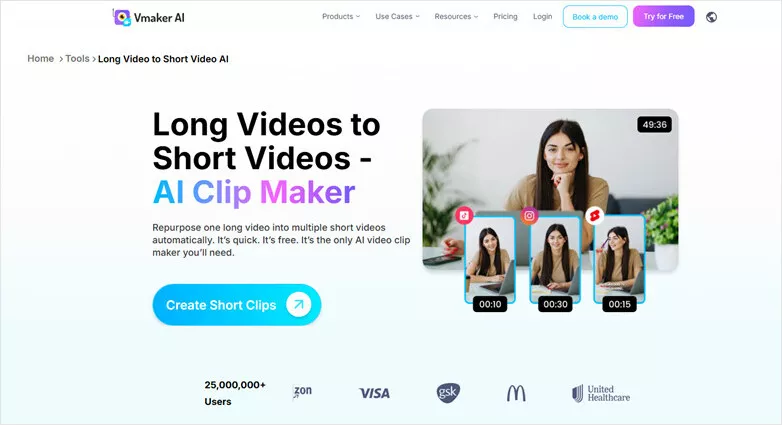
    Ssemble Alternative - Vmaker AI

    Ssemble Alternative - Vmaker AI

    Key Features of Vmaker AI

  • Convert up to 3-hour long videos into short clips in just one click.
  • Vmaker’s long video to short video converter suggests social media platforms like Instagram, Youtube, TikTok for each short video based on its analyze system.
  • Short videos get generated along with appealing subtitles, making it easy to share on social media platforms.
  • A built-in video editor allows you to customize the shorten videos with ease.
  • Cons:

  • No appealing hook title & viralty score with detailed recommendation analysis.
  • Shorten videos downloaded on a free plan will include a watermark.
  • Unable to directly load YouTube videos through a URL for generating short videos.
  • Lack advanced features like direct subtitle translation, B-roll insertion or onscreen CTAs.

    Pricing:

  • Free: 3 video downloads, 3 social publish per month; 720 quality export; 120 mins upload length; 20 mins auto subtitle/mo; 5 mins export
  • Starter ($18/M): 10 video downloads, 10 social publish per month; 1080 quality export; 120 mins upload length; 60 mins auto subtitle/mo; 30 mins export
  • Teams ($25/M): 30 video downloads, 30 social publish per month; 2K quality export; 120 mins upload length; 120 mins auto subtitle/mo; 45 mins export
  • #3 FlexClip

    FlexClip is a user-friendly alternative to Ssemble that transforms long-form videos into engaging, shareable vertical clips. Powered by AI, it automatically detects the most important moments, crops footage into platform-ready formats with accurate face tracking, and adds animated captions—enabling quick publishing without manual editing.

    In addition, it supports multiple video uploads, long-duration processing, flexible cropping areas, and one-click social media sharing. Its powerful AI-driven editor further streamlines the entire workflow, making it easy to create, edit, and distribute content efficiently.
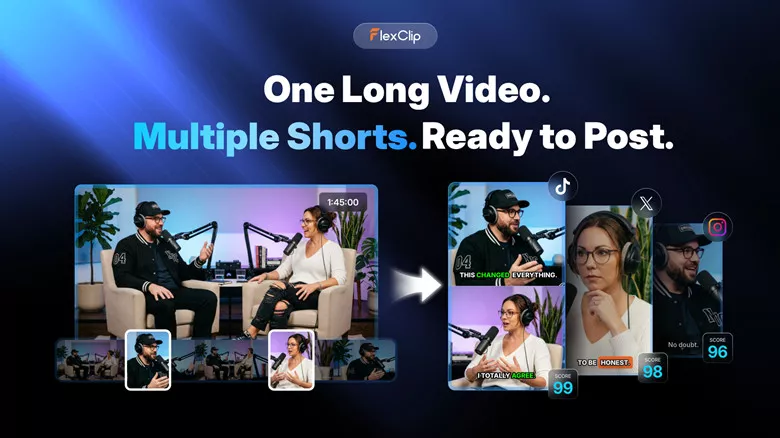
    Ssemble Alternative - FlexClip

    Ssemble Alternative - FlexClip

    Key Features of FlexClip

  • Turn long videos into short clips by automatically extracting key moments, with face tracking and animated captions for engaging playback.
  • Reframe content into short-form videos with virality scoring, hook-based titles, and AI-driven predictions on which clips are most likely to perform well.
  • Generate translated subtitles while keeping the original audio track intact, making it easier to reach a wider global audience.
  • Use an AI-powered video editor with flexible tools for trimming, refining, and customizing your content.
  • Cons:

  • Supports uploads of up to 2-hour long videos for clip generation.
  • Direct sharing is currently limited to YouTube and LinkedIn; for TikTok and Instagram, videos must be downloaded and uploaded manually.

    Pricing:

    FlexClip operates on a credit-based system, offering both one-time credit purchases and subscription-based plans.

  • One-time AI Credits: $14.99/300 credits, $24.99/ 800 credits, $34.99/ 1400 credits, $54.99/ 2500 credits
  • For subscription AI Credits: $9.99/300 credits, $14.99/ 800 credits, $29.99/ 1400 credits, $39.99/ 2500 credits
  • #4 WayinVideo

    WayinVideo is a powerful platform that turns long-form content into viral-ready short videos. Simply upload a recording, podcast, YouTube link, or other long video, and the AI automatically identifies the most engaging moments, clips them, adds animated captions, and reframes them for TikTok, Instagram Reels, or YouTube Shorts without you touching a timeline.

    Beyond its strong long-to-short conversion, WayinVideo also offers smart tools like an AI video finder to locate specific moments using keywords, an AI summarizer for quick overviews, and speaker labeling to distinguish different voices. Altogether, it delivers an all-in-one workflow for transforming long videos into multiple engaging snippets efficiently.
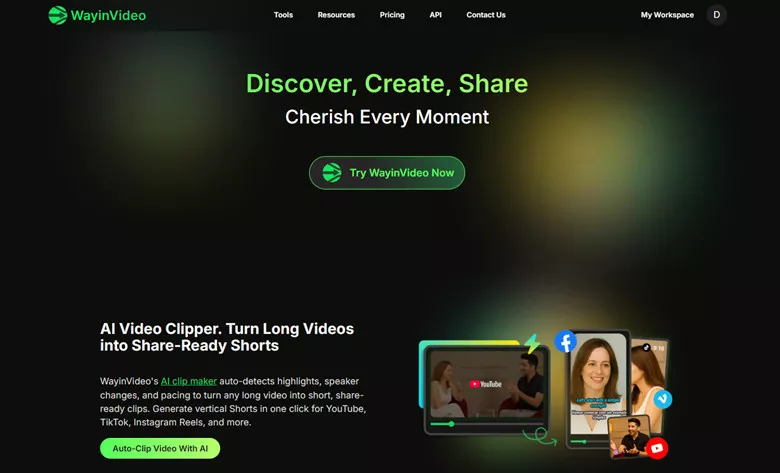
    Ssemble Alternative - WayinVideo

    Ssemble Alternative - WayinVideo

    Key Features of WayinVideo

  • Automatically detects highlights, speaker changes, and pacing to transform any long video into short, share-ready clips.
  • AI video finder lets you search the full video using keywords and jump directly to the exact moment you need.
  • Generates video summaries and transcripts, and adds animated captions for better engagement.
  • Includes powerful editing tools to refine your short videos and give them a unique personal touch.
  • Cons:

  • The search function may return related clips instead of exact matches, requiring additional manual review.
  • AI-generated clips often rely on generic templates that may not match your brand’s unique colors, fonts, or design style.
  • Automated editing can sometimes produce awkward transitions, such as cutting off speakers mid-sentence or switching abruptly between topics.

    Pricing:

  • Free: 200 credits(one-time); export up to 720p; storage up to 3 days; regular processing speed; no Google Drive upload
  • Standard($4.99/mo): 1500 credits/mo; export up to 1080p; max 10GB upload; Google Drive upload; store 50GB for 15 days
  • Pro($9.85/mo): 3500 credits/mo; export up to 2k; max 30GB upload; store 100GB for 30 days; support 10 social post accounts
  • Pro+($69.99/mo): 20,000 credits/mo; export up to 4k; max 30GB upload; store 150GB for 30 days; support 50 social post accounts
  • #5 Simplified

    Simplified’s AI repurposing tool transforms long videos into social-ready short clips for platforms like YouTube, TikTok, and Instagram. It automatically adds captions, generates a virality score, and inserts relevant B-roll to keep each clip engaging.

    It also uses AI speaker detection to keep the focus on the active speaker, helping your short videos stay clear, contextual, and true to the original message. For customization, you can fine-tune fonts, styles, and branding with its built-in editing tools, then publish directly and track engagement. With Simplified, repurposing content for social media is faster and more efficient than ever.
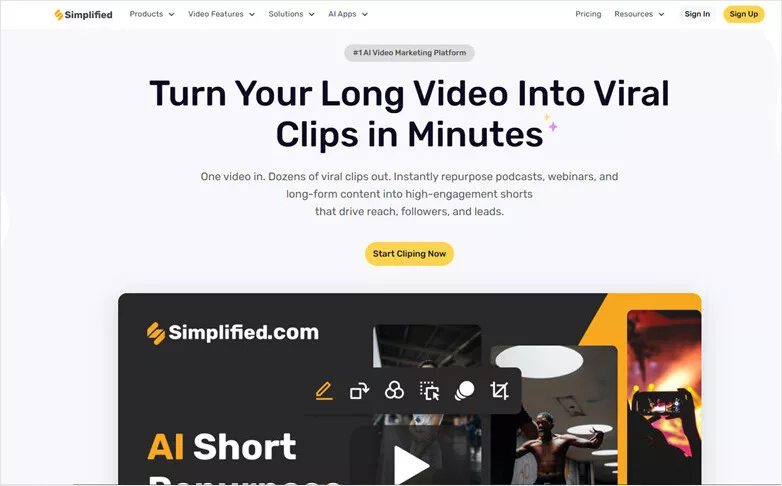
    Ssemble Alternative - WayinVideo

    Ssemble Alternative - WayinVideo

    Key Features of Simplified

  • Quickly turn long-form content into engaging, platform-ready clips.
  • Use virality scores and platform-specific recommendations to identify the most impactful moments and boost engagement.
  • Generate stylized subtitles, captions, and accurate translations to break language barriers and make your content easy to follow.
  • Leverage a wide range of powerful editing tools to craft viral videos with your own unique touch.
  • Cons:

  • Simplified’s long-to-short video converter supports files up to 500MB only.
  • There’s no free trial—you’ll need to pay upfront to access the tool.
  • Users may encounter occasional bugs, performance issues with larger projects, and slower loading times.

    Pricing:

  • Pro($19/mo): 7 social media accounts; 1 seat; 10K generative AI credits; AI video repurpose; AI social post generator; 5GB planner
  • Business($49/mo): 15 social media accounts; 3 seats; 30K generative AI credits; AI video repurpose; AI social post generator; 50GB planner; Sharing & Collaboration Feature; 5 AI Agent
  • Growth($149/mo): 30 social media accounts; 5 seats; 100K generative AI credits; AI video repurpose; Advanced analytics & reporting; 1TB planner; Sharing & Collaboration Feature; 10 AI Agent
  • The Bottom Line

    Ssemble is a useful tool for turning a single video into multiple engaging vertical clips. However, it has limitations such as a 30-minute upload cap and occasional glitches.

    That’s why we’ve introduced five of the best Ssemble alternatives to help you achieve a smoother, more reliable editing experience.

    Now it’s your turn to choose the option that fits you best and start transforming long videos into vertical short-form content right away.

    Group 11
    Make a free video online
    Create Your First Video With FlexClip Now
    Get Started - Free